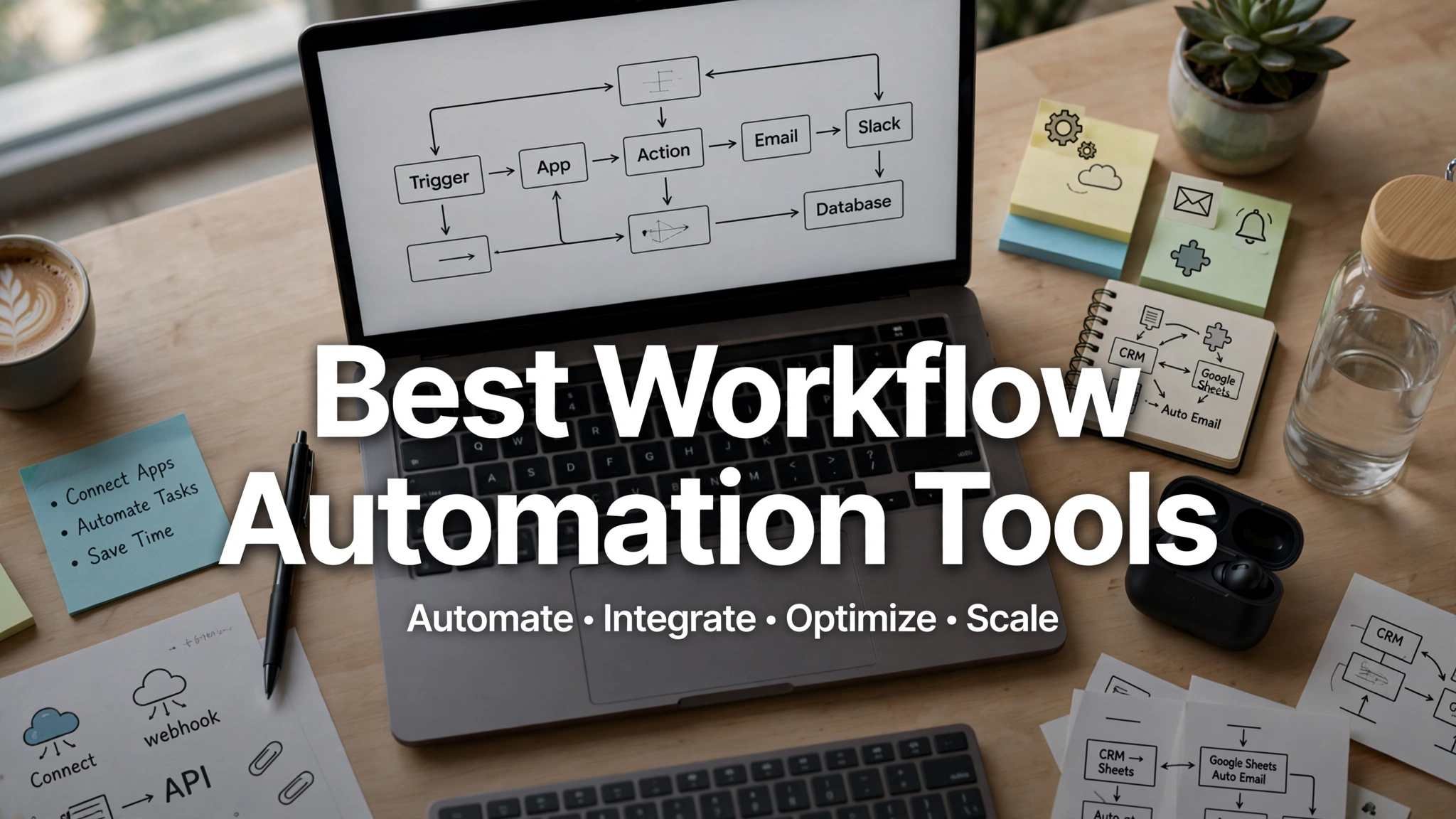
If you run a small business, you already know the feeling: too many tasks, too few hours, and a team that spends more time chasing approvals and copying data between apps than doing actual work. That’s exactly the problem workflow automation tools are built to solve.
These tools connect the software you already use, so tasks trigger automatically instead of relying on someone remembering to do them. A new lead fills out a form, and your CRM updates itself. An invoice gets approved, and the accounting system logs it without anyone lifting a finger. Multiply that across a week, and you’re looking at hours of manual work eliminated.
The challenge is that there are dozens of automation platforms on the market, and they’re not all built for the same kind of business. Some are simple point-and-click connectors made for solo operators. Others are built for teams that need branching logic, approval chains, or custom code. Picking the wrong one means either paying for features you’ll never touch or hitting a wall the moment your needs grow.
In this guide, we’ll walk through 10 of the best workflow automation software options for small businesses in 2026, what each one does well, who it’s best suited for, and what to watch out for before you commit.
What Is Workflow Automation, and Why Does It Matter for Small Businesses?
Workflow automation is the practice of using software to handle repetitive, rule-based tasks without manual input. Instead of a person moving data from one system to another or sending the same follow-up email every time a customer signs up, the software does it based on a trigger and a set of predefined steps.
For a small business, this matters for a few practical reasons:
- Time savings. Every manual task you automate frees up hours your team can spend on higher-value work like sales, customer service, or product development.
- Fewer errors. Manual data entry is where mistakes happen. Automated workflows follow the same rules every time.
- Lower overhead. Automation lets a lean team handle a workload that would otherwise require hiring additional staff.
- Better customer experience. Faster response times, consistent follow-ups, and fewer dropped balls all lead to happier customers.
With that context in mind, let’s get into the tools.


1. Zapier
Zapier is usually the first name that comes up in any conversation about business process automation, and for good reason. It connects thousands of apps through a simple trigger-and-action system, so you can link your email, CRM, spreadsheets, calendar, and accounting software without writing a single line of code.
Why Small Businesses Like It
- Massive app library, so it’s likely to work with whatever tools you’re already using
- Simple setup that doesn’t require a developer
- A free plan for basic, low-volume automations
Where It Falls Short
Zapier’s workflows (called “Zaps”) are largely linear, meaning they follow a straight path from trigger to action. If your process needs a lot of branching logic or conditional steps, you may hit limitations. It’s also easy to end up with dozens of disconnected Zaps that nobody documents, which becomes a headache to manage over time.
Best for: Businesses that need quick, reliable connections between everyday apps without a steep learning curve.
2. Make (formerly Integromat)
Make takes a more visual, flexible approach to automation. Instead of a straight line from trigger to action, you build “scenarios” on a canvas, with branches, filters, and data transformations laid out visually.
Why Small Businesses Like It
- More control over complex, multi-step workflows compared to simpler tools
- Visual builder makes it easier to see the whole process at a glance
- Generous free tier for teams just getting started
Where It Falls Short
The added flexibility comes with a slightly steeper learning curve than Zapier. Teams with no technical background may need a bit of trial and error before they’re comfortable building anything beyond a basic scenario.
Best for: Operations-minded teams that need conditional logic and multiple branches in a single workflow.
3. n8n
n8n is an open source, source-available automation platform that appeals to small businesses with some technical capability on staff. It gives you the drag-and-drop convenience of a visual builder, but you can drop into JavaScript or Python when a step needs custom logic.
Why Small Businesses Like It
- Can be self-hosted, which means full control over your data and infrastructure
- Free to run if you host it yourself
- Supports advanced use cases like AI agent steps and custom code
Where It Falls Short
Self-hosting means you’re responsible for setup, maintenance, and security. If nobody on your team is comfortable managing a server, this isn’t the right starting point.
Best for: Small businesses that have outgrown simpler tools and want more control over their automation workflows without vendor lock-in.
4. Airtable
Airtable blends the simplicity of a spreadsheet with the structure of a database, and its built-in automation features let you trigger actions based on changes to your records. Think automatic notifications when a project status changes, or a task getting assigned the moment a new row is added.
Why Small Businesses Like It
- Doubles as a lightweight database and a task automation tool
- Great for internal operations, project tracking, and content calendars
- Flexible enough to replace several disconnected spreadsheets
Where It Falls Short
Airtable’s automation features are strong but more limited than dedicated automation platforms when it comes to connecting external apps at scale.
Best for: Internal operations, lightweight databases, and teams that want a spreadsheet replacement with automation baked in.
5. Jotform
Jotform started as a form builder, but it’s grown into a genuinely capable workflow automation platform for anything that begins with a form. Expense approvals, client intake, employee onboarding, and event registrations can all be automated from the moment someone submits a form.
Why Small Businesses Like It
- Hundreds of templates for common business workflows
- Customizable notifications at each step of the process
- Approachable for non-technical users
Where It Falls Short
If your automation needs go beyond form-triggered processes, you’ll likely need to pair Jotform with a broader tool like Zapier or Make.
Best for: Businesses whose workflows start with a form, such as approvals, intake, or registration processes.
6. HubSpot
HubSpot is best known as a CRM, but its workflow automation tools are some of the most robust available for marketing, sales, and customer service. You can automate lead nurturing, follow-up emails, internal notifications, and deal stage updates, all tied directly to your customer data.
Why Small Businesses Like It
- Automation is built around your customer lifecycle, not just isolated tasks
- Strong reporting so you can see what’s actually working
- Scales well as your marketing and sales processes mature
Where It Falls Short
HubSpot’s more advanced automation features live behind higher-priced tiers, which can be a stretch for very early-stage businesses.
Best for: Businesses where marketing and customer lifecycle automation are the priority. You can read more about how HubSpot’s marketing automation platform handles lead nurturing and lifecycle stages.
7. Pipedrive
Pipedrive is a sales-focused CRM with automation features built specifically around moving deals through a pipeline. It automates the busywork of sales, like sending follow-up emails, updating deal stages, and assigning tasks when a lead reaches a certain point.
Why Small Businesses Like It
- Purpose-built for sales pipeline automation
- Simple, visual interface that most sales teams pick up quickly
- Automations trigger directly off deal and contact activity
Where It Falls Short
It’s narrower in scope than a general-purpose automation tool. If you need automation outside of sales, you’ll need something to complement it.
Best for: Small sales teams that want to automate follow-ups and pipeline management without a complicated setup.
8. ClickUp
ClickUp is a project management platform with automation rules that handle the repetitive parts of running projects, like assigning tasks, updating statuses, and notifying team members when something changes.
Why Small Businesses Like It
- Combines project management and business process automation in one platform
- Pre-built automation templates make setup faster
- Useful for teams that want fewer tools to manage overall
Where It Falls Short
Because it’s project-management-first, its automation capabilities for connecting external, non-project apps are more limited than dedicated integration platforms.
Best for: Teams that want task automation, collaboration, and project tracking under one roof.
9. Monday.com
Monday.com works similarly to ClickUp in that it’s a work management platform with automation rules layered on top. You can set conditions like “when a status changes to Done, notify the client” without any technical setup.
Why Small Businesses Like It
- Intuitive, color-coded interface that’s easy for non-technical staff to learn
- Automation recipes cover common scenarios out of the box
- Good fit for teams already using it for project or task tracking
Where It Falls Short
Like ClickUp, its strength is internal workflow and project automation rather than deep integration with external business systems.
Best for: Teams that want visual, easy-to-manage automation tied to their existing project boards.
10. Microsoft Power Automate
If your business already runs on Microsoft 365, Power Automate is worth a serious look. It connects natively with Outlook, SharePoint, Excel, and Teams, and it can automate approval processes, document routing, and notifications without leaving the Microsoft ecosystem.
Why Small Businesses Like It
- Deep, native integration with Microsoft 365 tools
- Included with many Microsoft 365 business plans
- Handles approval workflows and document automation well
Where It Falls Short
Its strength outside the Microsoft ecosystem is weaker than tools like Zapier or Make. If most of your software isn’t Microsoft-based, you may not see the full benefit. For a closer look at how the platform is positioned, Microsoft’s Power Automate overview outlines its approval and document workflow capabilities in more detail.
Best for: Businesses already invested in Microsoft 365 that want automation without adding another vendor.
How to Choose the Right Workflow Automation Tool for Your Business
With so many small business automation tools available, the right pick comes down to a few practical questions:
- What apps do you already use? Start by checking whether a tool connects natively to your current software stack. Native integrations are more reliable than workarounds.
- How complex are your workflows? Simple, linear processes work fine with tools like Zapier. Multi-step, conditional processes are better served by Make or n8n.
- Who will manage the automations? If nobody on your team has technical experience, prioritize tools with visual builders and templates over ones that require code.
- What’s your budget? Most tools price based on the number of tasks, operations, or users, so estimate your actual volume before committing to a plan.
- Does it scale with you? Pick a tool that can grow from a handful of automations to dozens without forcing a painful migration later.
A good rule of thumb: start with the smallest tool that solves your immediate problem, document what you build, and only move to something more powerful once you’ve genuinely outgrown it.
Common Mistakes to Avoid When Automating Workflows
- Automating a broken process. If a workflow is inefficient to begin with, automating it just makes the inefficiency run faster. Fix the process first, then automate it.
- Skipping documentation. Undocumented automations become a black box that only one person understands, which is a risk if that person leaves.
- Over-automating too fast. Trying to automate everything at once usually leads to a tangled system nobody fully understands. Start with your highest-impact, most repetitive tasks.
- Ignoring error handling. Automations fail sometimes, whether it’s an API outage or a missing field. Build in notifications so you know when something breaks instead of finding out weeks later.
Conclusion
Workflow automation tools have moved from a nice-to-have to a practical necessity for small businesses trying to compete without a large staff. Whether it’s Zapier connecting your everyday apps, HubSpot automating your customer lifecycle, or Power Automate handling approvals inside Microsoft 365, the right tool depends on your existing software, the complexity of your processes, and how much technical support you have on hand. Start small, automate your most repetitive tasks first, and expand from there. The time you save will compound quickly, giving your team more room to focus on the work that actually grows the business.